Bookings & revenue
A guest asks about a room but leaves the dates open. When they return, 9Stay picks up the conversation and checks current rates and availability in your PMS.
Explore booking workflows
9Stay helps hotels and serviced apartment groups quote current rates, look after guests during their stay and invite them back.
 9Stay / Booking

A first inquiry.
22:14
Room inquiry
Identify dates, two guests, two nights and the quiet-room preference.
A guest asks about a room but leaves the dates open. When they return, 9Stay picks up the conversation and checks current rates and availability in your PMS.
Explore booking workflowsA guest needs help in their room. Reception receives the request and its conversation history. With the guest’s permission, the hotel can save their preferences for a future stay.
Explore guest care workflowsFollow Linh’s journey to see how context carries through.
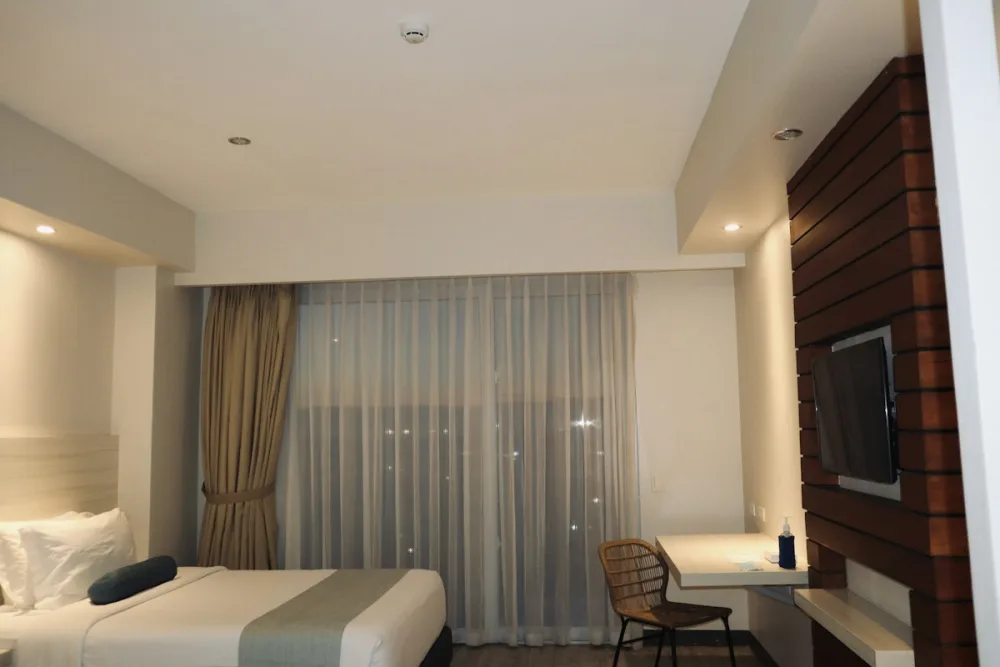
Linh needs a quiet room with a work desk. 9Stay answers using the hotel’s configured knowledge.
9Stay summarizes the reasons guests give for leaving without booking. Owners and managers can see whether price, room availability or amenities come up most often.
Explore conversation analyticsWhen the requested room type is unavailable, the team can check suitable alternatives before closing the inquiry.
Once compatibility is confirmed, 9Stay checks rates and availability in your property management system (PMS). Guest advice follows the policies your hotel has approved.
When information is missing or a request falls outside policy, 9Stay passes the conversation and a summary to your team.
Choose one workflow to try. Your team and 9Stay check the PMS and guest channels, then agree on how to measure results before expanding.
Adjust the share of direct bookings to see how commission costs could change.
The estimate uses your inputs and excludes acquisition, operating and 9Stay subscription costs. Follow OTA policies for existing bookings.
Your current PMS still manages rooms and bookings. Once compatibility is confirmed, 9Stay uses PMS data to help guests in the conversation.
9Stay reads rates and availability from the connected PMS and checks again before confirming a booking. If it cannot access the data, staff take over and check.
9Stay can create reservations and send payment links and booking references. Payment has its own status and is marked complete only after the payment provider confirms it.
9Stay can assess website chat, Zalo, Messenger, WhatsApp, email and online travel agency (OTA) messaging. Support for your PMS and each channel depends on the provider’s API, access permissions and rules.
9Stay supports multilingual communication. Required languages, content quality and realistic scenarios are validated for each deployment.
AI pauses automated replies and sends a summary and conversation history to staff. Your team can configure how staff acknowledge a request and when it goes to the next person responsible.
You choose the documents and policies AI can use and what it can do. An administrator approves information from staff replies before AI can reuse it. AI can still make mistakes.
9Stay uses availability to help guests book, follows up on unfinished inquiries, suggests another property and contacts past guests with their consent. Each property needs to measure any increase in bookings.
Prepare your PMS and channel details, room types, policies, services and handoff owners. Agree on scope, access permissions and measurement criteria before starting.
Choose a workflow that needs attention. Together, review the data, staff handoffs and success criteria before committing to a pilot.